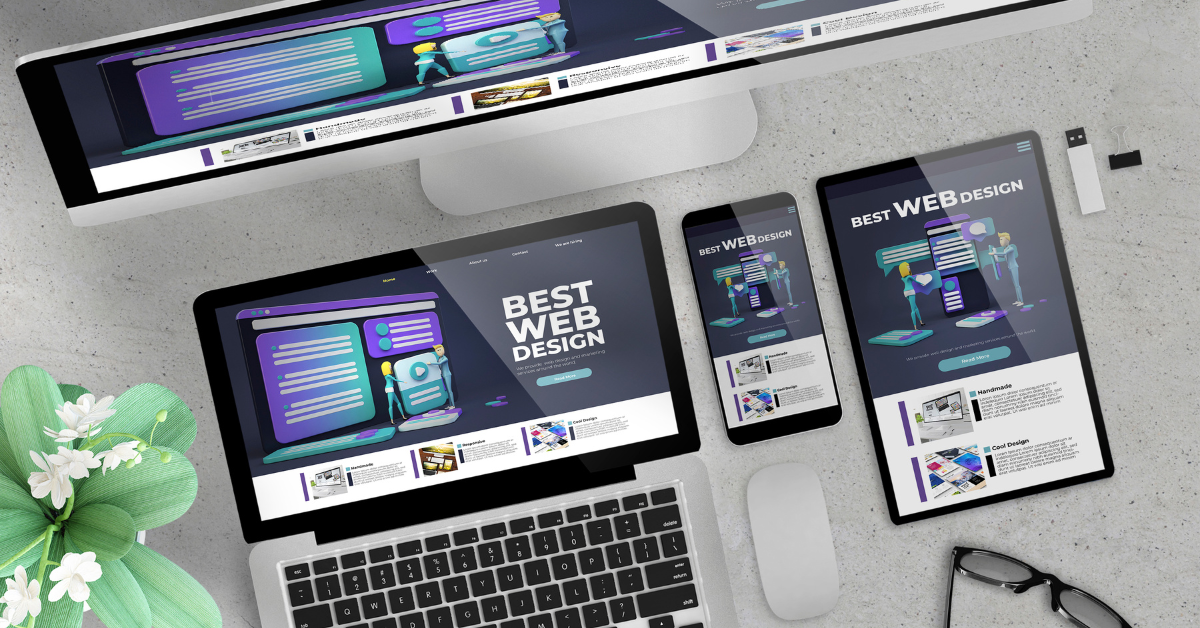
Creating a website or application that truly engages users requires a careful balance between UX/UI design and practical usability, as the visual appeal alone is not enough to retain users or encourage interaction. At MSP Web Pro, we understand that the primary goal of any digital interface is to ensure users can navigate seamlessly, find information quickly, and complete their intended tasks without frustration. While beautiful visuals can capture attention initially, functionality is what keeps users returning to your platform. Combining an attractive design with intuitive usability not only enhances the overall user experience but also strengthens brand perception and trust. Investing in both aesthetics and functionality ultimately increases engagement, conversion rates, and satisfaction across all platforms. A well-balanced approach ensures that form complements function rather than competing with it.
Prioritize User Needs Over Visual Appeal
Focus on Task Completion
While bold colors, animations, and striking visuals may initially catch a user’s eye, the ultimate success of UX/UI design relies on how easily users can complete their intended tasks. Every button, menu, or interactive element should support the user’s goal efficiently and intuitively without creating unnecessary steps or distractions. Prioritizing usability ensures that even less visually exciting components serve a practical purpose, allowing the interface to remain functional and approachable. A design that emphasizes user needs over aesthetics helps prevent frustration, making it more likely that users will continue engaging with the platform. By carefully balancing the interface’s visual appeal with essential functionality, designers create an experience that is both attractive and highly practical.
Simplify Where Necessary
Design complexity can be tempting when striving for a visually striking interface, but excessive decorative elements often interfere with usability, causing users to struggle with navigation or task completion. Simplifying the layout and visual components helps users prioritize critical tasks and relevant content without distractions. A streamlined interface balances beauty with function, ensuring that every visual choice serves a purpose in guiding user interaction. Simplicity does not mean dullness; instead, it emphasizes clarity and efficiency while maintaining a polished aesthetic. When done thoughtfully, simplification enhances user satisfaction by making the platform more straightforward to use and more visually coherent.
Balance Beauty and Practicality
Every decision in UX/UI design should carefully consider both form and function, ensuring that the visual components enhance usability rather than detract from it. Elements like color, typography, and spacing should guide users intuitively while contributing to the overall aesthetic appeal. By blending beauty with practical considerations, the interface becomes more engaging, easier to navigate, and enjoyable to use. Users respond positively to designs that are visually pleasing without compromising their ability to interact effectively. Striking this balance ultimately creates a seamless experience where aesthetics and functionality complement each other.
Consistency Builds Trust and Usability
Maintain Uniform Design Elements
Consistency across all visual and interactive elements, such as buttons, typography, icons, and color schemes, is essential for helping users quickly recognize patterns and predict how to interact with the interface. A consistent design makes the platform feel professional and reliable, allowing users to navigate with confidence. Uniformity reduces cognitive load, enabling users to focus on tasks rather than learning a new set of rules for each page or section. When design patterns remain predictable and stable, users feel more in control and less likely to make errors. Overall, consistency reinforces usability while contributing to a visually cohesive experience that aligns with brand identity.
Reduce User Confusion
Inconsistent design decisions, even when visually interesting, can lead to user frustration and decreased engagement. For instance, buttons that look different across pages or interactions that behave unpredictably can confuse users and create barriers to completing tasks. Maintaining uniformity in both visual style and interactive behavior ensures the interface remains intuitive and easy to navigate. This design enables users to concentrate on reaching their desired outcomes without encountering unexpected challenges or delays. A well-executed, consistent UX/UI design communicates reliability and authority, which reassures your audience of your professionalism.
Strengthen Brand Perception
Consistency in design not only improves usability but also positively shapes audience impressions of your brand and offerings. A unified UX/UI design conveys attention to detail, professionalism, and credibility, which encourages users to engage and return to your platform. Predictable and cohesive interfaces enhance user satisfaction and contribute to a stronger overall brand image. By reinforcing visual patterns and interaction standards, businesses can create an experience that feels deliberate and carefully crafted. This trust and familiarity ultimately support long-term engagement and loyalty.
Use Visual Hierarchy to Guide Users
Emphasize Key Actions
Implementing a clear visual hierarchy helps direct user attention to the most critical elements on a page, ensuring that actions, information, and decisions are immediately apparent. By using size, contrast, color, and spacing strategically, designers can emphasize critical tasks without overwhelming or distracting the user. A thoughtful hierarchy ensures that functionality is prioritized alongside aesthetics, allowing users to complete tasks efficiently. When users can intuitively understand where to focus, the interface feels both approachable and polished. Visual hierarchy is an essential tool for balancing usability with design appeal in every digital experience.
Create Natural Flow
A well-structured visual hierarchy establishes a logical flow that guides users seamlessly through content and interactions. Users can move from one task to another without confusion, reducing cognitive load and frustration. A thoughtful layout ensures that navigation feels intuitive and purposeful, while design elements support usability rather than competing with it. This balance of aesthetics and functionality allows users to enjoy a visually engaging platform that is also easy to understand and use. CPreciseflow and organization make interfaces feel professional, approachable, and user-centered.
Blend Aesthetics and Utility
A visual hierarchy not only improves usability but also enhances the overall look and feel of the interface. Strategic use of design elements ensures that critical information stands out while maintaining an elegant and visually cohesive experience. By blending functionality with visual appeal, designers create an interface that is both attractive and practical. Users can accomplish their goals efficiently while appreciating the thoughtful design choices. A well-executed hierarchy ensures the interface feels intentional, cohesive, and user-friendly.
Test Design Decisions with Real Users
Gather Actionable Feedback
User testing is a crucial step for verifying whether design choices support both aesthetics and functionality. Analyzing genuine user interactions to understand interface usability helps identify friction points, confusing elements, or areas that may hinder usability despite looking visually appealing. Feedback provides insights that allow designers to refine the experience, improving both appearance and efficiency. This iterative process ensures that the platform meets actual user needs rather than hypothetical assumptions. Testing allows teams to make data-driven improvements while maintaining design integrity.
Iterate and Refine
Based on feedback from testing, iterative design improvements can enhance usability while preserving visual appeal. Adjustments may include reorganizing elements, simplifying interactions, or emphasizing key information. Refinement ensures that the interface continues to satisfy both functional and aesthetic goals over time. Iterative testing allows the product to evolve naturally with user expectations. This process creates a polished and highly effective user experience that balances beauty and functionality.
Validate Visual Choices
User validation confirms that every design choice contributes positively to usability without sacrificing aesthetic quality. By analyzing interaction patterns, designers can determine whether visual elements support or distract from user tasks. Validation ensures that beauty and function are integrated seamlessly into the interface. Every component should serve a purpose, creating an intuitive and visually appealing experience. A validated design results in a platform that is as enjoyable to use as it is to look at.
Keep Performance and Accessibility in Mind
Optimize Load Times
Even the most stunning designs will fail to engage users if slow load times cause frustration. Optimizing assets, images, and code ensures that users can access content quickly and efficiently. Performance is an essential aspect of UX/UI design, directly affecting engagement and retention. A fast-loading interface complements aesthetic appeal, allowing users to enjoy a seamless experience. Prioritizing speed ensures that functionality and visuals work together effectively.
Ensure Accessibility Compliance
Designing for accessibility ensures that all users, including those with visual, auditory, or motor impairments, can navigate and interact with your interface. Features such as readable fonts, color contrast, keyboard navigation, and descriptive alt text help create an inclusive experience. Accessibility not only supports usability but also reinforces ethical design standards and legal compliance. Ensuring that every user can interact effectively enhances both functionality and brand reputation. Inclusive UX/UI design allows aesthetics to shine while remaining practical for all audiences.
Combine Efficiency with Elegance
When performance and accessibility are integrated with visual appeal, the result is a UX/UI design that is both elegant and highly functional. Optimized, accessible interfaces feel effortless to use, fostering a sense of satisfaction and engagement. This combination strengthens user trust, improves retention, and enhances overall experience quality. Efficiency and elegance together ensure that beauty enhances rather than hinders usability. A carefully balanced design keeps users engaged while supporting their goals seamlessly.
In conclusion, achieving a successful balance in UX/UI design requires careful attention to usability, consistency, visual hierarchy, user testing, performance, and accessibility. MSP Web Pro helps businesses create digital experiences that are visually compelling while remaining highly functional and intuitive. By integrating these principles, companies can improve user engagement, strengthen brand perception, and ensure satisfaction across all platforms. When aesthetics and functionality are thoughtfully combined, the interface becomes more than just visually pleasing—it becomes an essential tool for user success and business growth.
Contact MSP Web Pro today to elevate your digital presence with UX/UI design that is both visually stunning and seamlessly functional.